

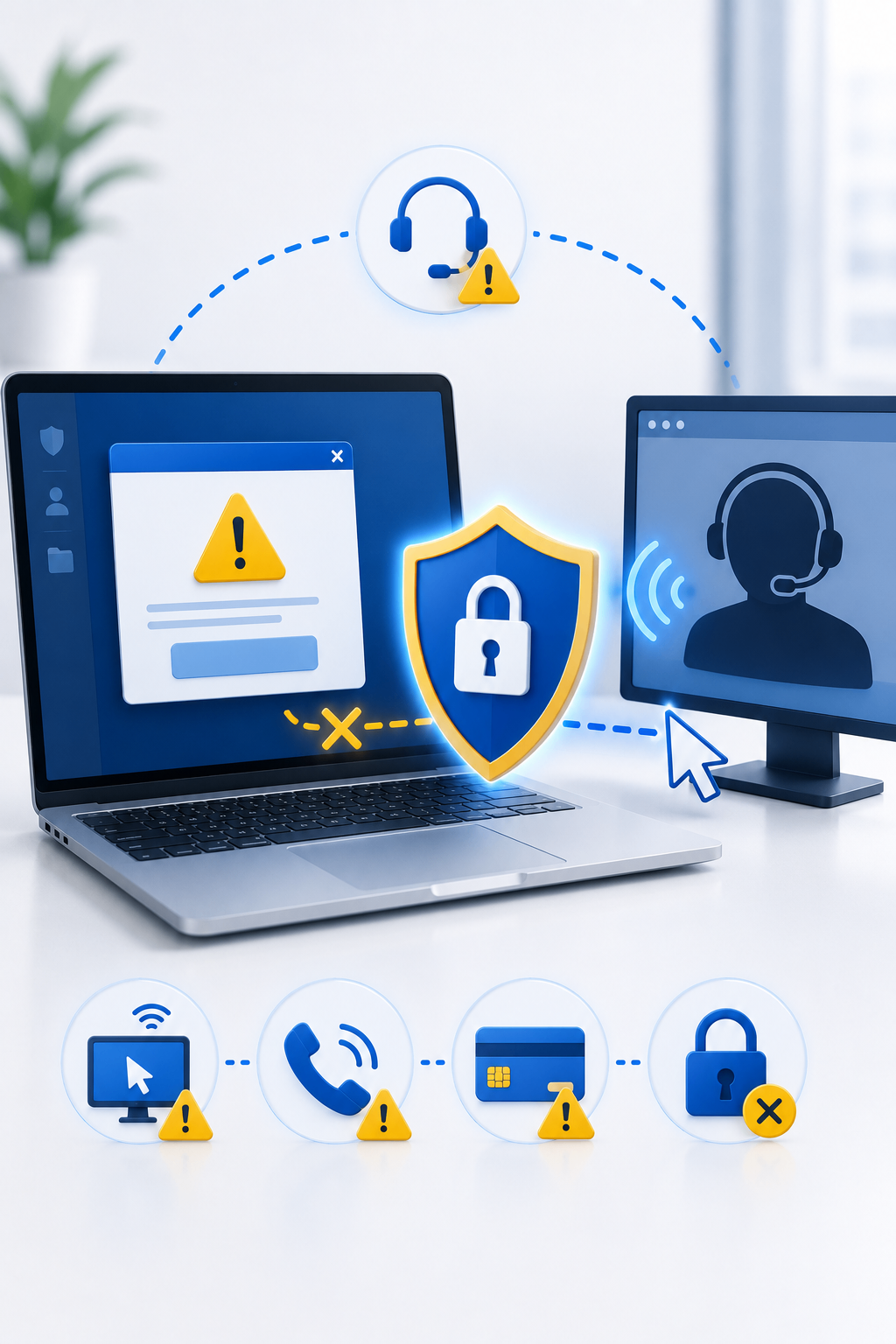
Technology problems can be stressful. A slow computer, suspicious warning, locked account, or unexpected pop-up may make someone feel that immediate help is needed.
Criminals take advantage of this pressure by pretending to be technical support representatives from trusted companies, banks, internet providers, software vendors, or device manufacturers.
Their goal is not to repair the problem. Their goal is to gain access to the device, steal information, install malicious software, or convince the victim to pay for a fake service.
Understanding how fake tech support scams work can help you recognize them before giving a criminal control of your computer or accounts.
What Is a Fake Tech Support Scam?
A fake tech support scam happens when a criminal pretends to be a legitimate support agent and claims that your device or account has a serious problem.
The scammer may say that:
- Your computer is infected with malware
- Your bank account has been compromised
- Your email has been hacked
- Your operating system license has expired
- Your internet connection is being used illegally
- Suspicious activity was detected on your device
- Your account will be closed unless you act immediately
The criminal then offers to “fix” the problem, but first asks for remote access, payment, passwords, security codes, or personal information.
How These Scams Begin
Fake tech support scams can start in several ways.
Unexpected phone calls
A caller may claim to work for a technology company, bank, mobile provider, or internet service provider.
The caller may already know your name, phone number, or email address because the information was obtained from a public source or data breach.
Fake warning pop-ups
A website may display a large warning saying that the device is infected or that personal files are at risk.
The warning may include:
- Alarm sounds
- Countdown timers
- Fake virus scan results
- A phone number to call
- Messages telling you not to close the browser
These warnings are designed to create panic. A legitimate security warning will not normally ask you to call an unknown support number.
Phishing emails and messages
A message may claim that your account has a technical problem and direct you to contact support through a link, phone number, or chat service.
Search engine advertisements
Scammers may create fake support websites and pay for advertisements so that their phone numbers appear near the top of search results.
A person looking for official customer support may accidentally contact the scammer instead.
Social media messages
Fake support accounts may reply to public complaints and offer assistance through private messages.
Common Tactics Used by Fake Support Agents
Creating urgency
The scammer may say that your files will be deleted, your bank account will be frozen, or your identity will be stolen unless you act immediately.
Requesting remote access
The scammer may ask you to install remote-control software.
Once connected, they may:
- View personal documents
- Access saved passwords
- Open banking websites
- Install malware
- Change security settings
- Lock the device
- Copy sensitive files
Showing harmless system information
The criminal may open normal system tools and claim that ordinary logs, processes, or network connections are proof of infection.
Technical-looking screens can make the scam appear convincing even when nothing is wrong.
Asking for unusual payments
Fake support agents may demand payment through:
- Gift cards
- Cryptocurrency
- Bank transfers
- Payment applications
- Prepaid cards
These methods are often difficult to reverse.
Pretending to issue a refund
Some scammers claim they accidentally refunded too much money and ask the victim to return the difference.
They may manipulate the screen to make it appear that money was added to the bank account when no real transfer occurred.
Warning Signs of a Tech Support Scam
Be suspicious when:
- Support contacts you unexpectedly
- A pop-up says you must call a phone number
- The person creates extreme urgency
- You are asked to install remote-access software
- You are asked for a password or verification code
- Payment is requested through gift cards or cryptocurrency
- The caller asks you to open online banking
- The support website address looks unusual
- The person refuses to let you verify their identity
- You are told not to contact your bank, family, or another support service
Legitimate support agents should not pressure you to act without verification.
How to Contact Technical Support Safely
Use the official website
Type the company’s website address manually or use the support option inside the official application.
Avoid phone numbers from pop-ups
Do not call numbers displayed in browser warnings or unsolicited messages.
Check the domain carefully
Scammers may use addresses that look similar to official websites.
Look for spelling changes, extra words, unusual domain endings, or unnecessary subdomains.
Do not allow unexpected remote access
Only allow remote access when you initiated the support request through a verified official channel and fully understand what the technician will do.
Never share passwords or verification codes
A legitimate support agent should not need your full password or one-time authentication code.
Ask for time to verify
End the call or chat, then independently contact the company using trusted information.
A real company will not object to verification.
What to Do If You Gave a Scammer Remote Access
Act quickly.
Disconnect the device
Turn off Wi-Fi or unplug the network cable.
Remove remote-access software
Uninstall any remote-control application the scammer asked you to install.
Run a security scan
Use trusted security software to check for malware.
Change important passwords
Use another trusted device to change passwords for:
- Banking
- Cloud storage
- Social media
- Online shopping
- Work accounts
Review account activity
Check for:
- New devices
- Unknown logins
- Changed recovery information
- Forwarding rules
- Unauthorized transactions
- Newly installed applications
Contact your bank
If you opened online banking, shared card information, or sent money, contact your bank immediately.
Consider professional assistance
If you are unsure whether the device is safe, ask a trusted technician to inspect it.
What Businesses Should Do
Organizations should train employees to recognize fake support requests.
Important controls include:
- Approved support channels
- Restrictions on remote-access software
- Multi-factor authentication
- Endpoint protection
- Limited administrator privileges
- Security awareness training
- Clear reporting procedures
- Verification before sharing sensitive information
Employees should know that real IT teams usually do not request passwords or unexpected remote access.
Final Thoughts
Fake tech support scams rely on fear, urgency, and technical confusion.
The most important rule is simple: do not trust unexpected support contact.
Close suspicious pop-ups, avoid unknown phone numbers, use official support channels, and never give remote access to someone you did not independently verify.
Taking a few minutes to confirm who you are speaking with can prevent financial loss, malware infection, and account takeover.