

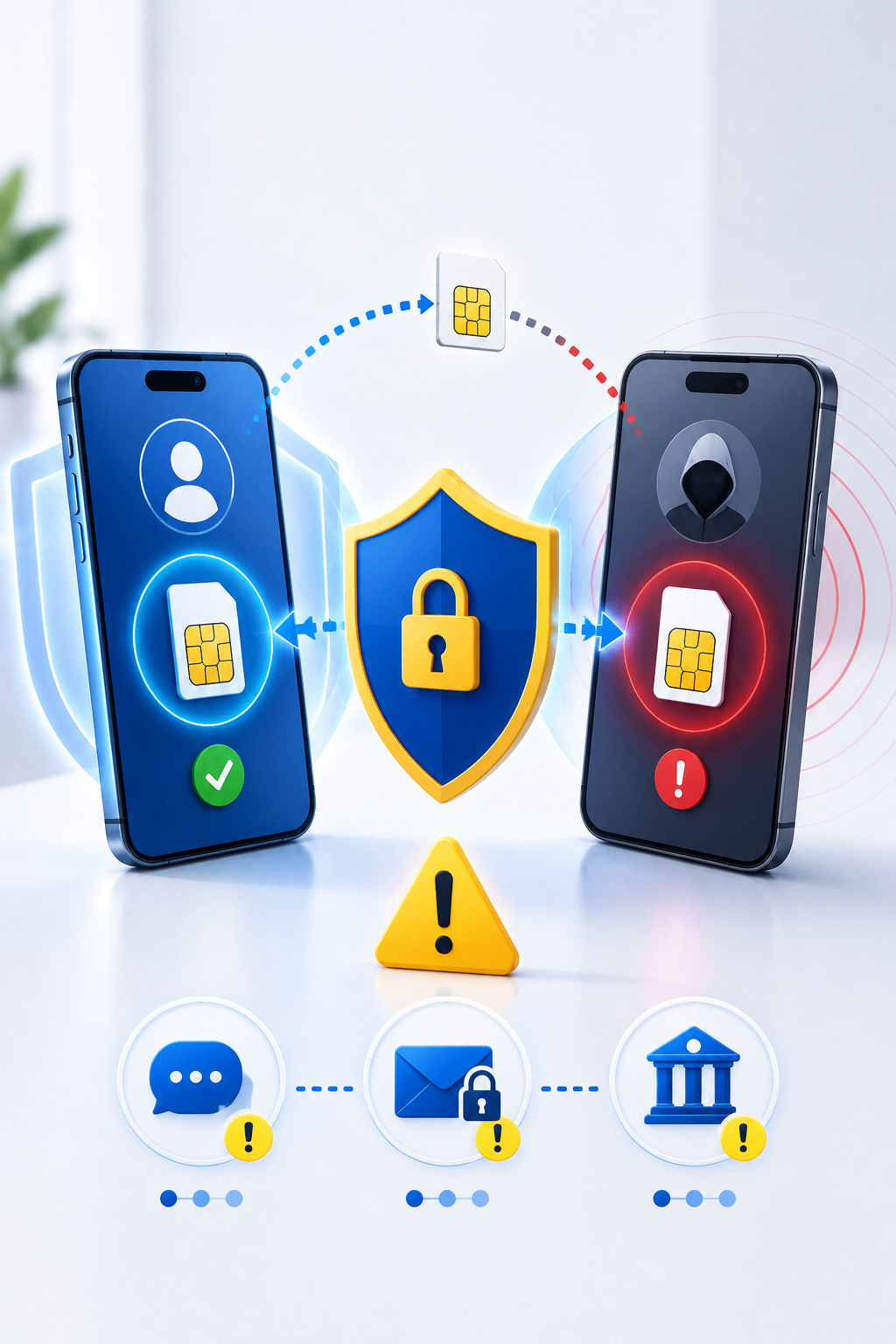
Your phone number is often connected to many important services. Banks, email providers, social media platforms, and online stores may use it to send login codes or password-reset messages.
In a SIM swapping attack, a criminal takes control of a victim’s phone number by convincing a mobile provider to transfer the number to a new SIM card or eSIM.
Once the transfer is completed, calls and text messages intended for the victim may be delivered to the attacker instead.
This can allow criminals to bypass SMS verification, reset passwords, and take control of valuable accounts.
What Is SIM Swapping?
SIM swapping is a form of identity theft in which an attacker transfers someone else’s phone number to a SIM card under the attacker’s control.
The attacker may contact the victim’s mobile provider and claim that:
- The phone was lost
- The SIM card was damaged
- A new device was purchased
- The customer needs an eSIM
- The number must be transferred urgently
To convince the provider, the criminal may use personal information obtained through phishing, data breaches, social media, or previous scams.
Why Phone Numbers Are Valuable to Criminals
Many online services use SMS messages as a form of identity verification.
If an attacker controls your phone number, they may receive:
- Password-reset codes
- Banking verification messages
- Social media login codes
- Email security alerts
- Cryptocurrency account codes
- Calls intended for you
The attacker may then attempt to take over your email first, because access to email can be used to reset many other accounts.
Warning Signs of a SIM Swap
A SIM swapping attack may happen without warning. Common signs include:
- Your phone suddenly loses cellular service
- You cannot make calls or send text messages
- The phone shows “No Service” unexpectedly
- You receive a notification about a SIM or eSIM change
- Your mobile account password stops working
- You receive password-reset alerts you did not request
- You are unexpectedly signed out of important accounts
- Friends receive strange messages from your accounts
- You notice unfamiliar financial transactions
A loss of service is not always an attack, but it should be investigated immediately if it happens unexpectedly.
How Criminals Prepare for SIM Swapping
Before contacting a mobile provider, attackers may collect information about the victim.
They may look for:
- Full name
- Date of birth
- Phone number
- Address
- Email address
- National identification details
- Answers to security questions
- Information about the mobile provider
This data may come from public social media posts, leaked databases, phishing messages, or fake customer-support calls.
How to Protect Yourself
Add a PIN to your mobile account
Ask your mobile provider whether you can add an account PIN, port-out PIN, or additional verification requirement.
Avoid using simple numbers such as your birth year or repeated digits.
Use authentication applications
SMS verification is better than having no protection, but an authentication application is usually safer against SIM swapping.
Where possible, use:
- Authenticator applications
- Security keys
- Passkeys
- Device-based approval
Secure your email account
Your email is often the main recovery method for other services.
Use a unique password, enable strong multi-factor authentication, and review active sessions regularly.
Reduce personal information online
Avoid publicly sharing your full date of birth, phone number, address, or other information that may help criminals impersonate you.
Use unique passwords
If one password is exposed, attackers should not be able to use it to access your other accounts.
Enable account alerts
Turn on notifications for:
- New logins
- Password changes
- SIM changes
- Bank transactions
- New devices
- Recovery information changes
Ask about number-transfer protection
Some mobile providers offer extra protection that prevents a phone number from being transferred without additional verification.
What to Do During a SIM Swap
If your phone unexpectedly loses service and you suspect an attack, act quickly.
Contact your mobile provider
Use another phone or visit an official store. Ask whether your number was transferred to another SIM or eSIM.
Request that the number be returned to your account and that additional security be added.
Secure your email
Change your email password immediately from a trusted device. Remove unfamiliar recovery addresses, phone numbers, and active sessions.
Protect financial accounts
Contact your bank and other financial providers. Explain that your phone number may have been compromised and ask them to monitor or temporarily restrict the account.
Change important passwords
Prioritize:
- Banking
- Cloud storage
- Social media
- Online shopping
- Cryptocurrency services
Save evidence
Keep screenshots, notification messages, dates, transaction records, and communication with the mobile provider.
These details may be useful when reporting the attack.
Is SMS Authentication Unsafe?
SMS authentication still provides useful protection, especially when the alternative is using only a password.
However, accounts containing sensitive financial or personal information should use stronger methods when available.
Authentication applications and security keys are not dependent on the phone number, which makes them more resistant to SIM swapping.
Final Thoughts
A phone number is more than a way to make calls. It can act as a recovery key for many online accounts.
Protecting your mobile account, using stronger authentication methods, securing your email, and limiting personal information online can reduce the risk of a SIM swapping attack.
If your phone suddenly loses service without explanation, do not ignore it. Quick action may prevent criminals from taking over your accounts or stealing money.