
How to Recognize Phishing Attacks and Protect Your Accounts
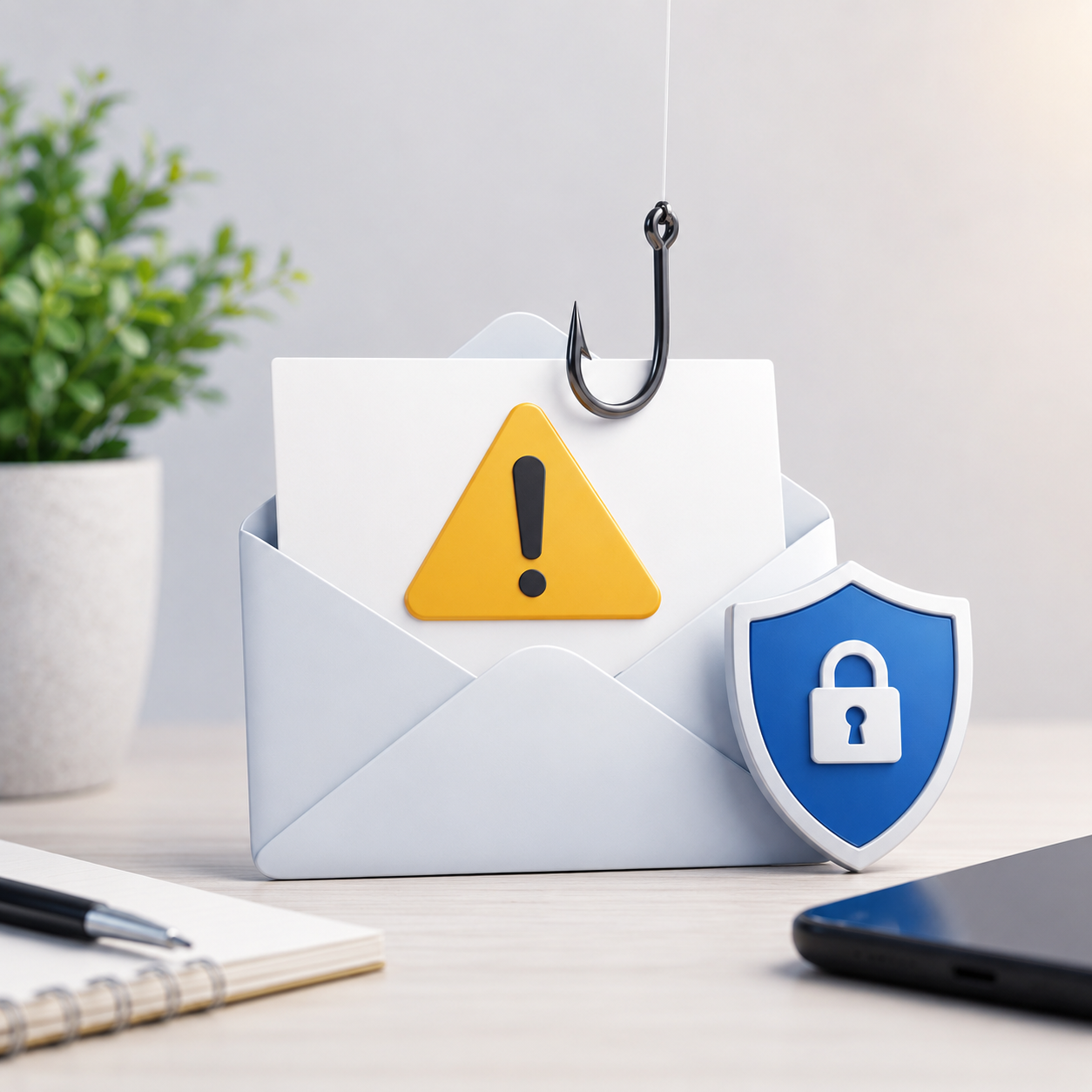
Phishing is one of the most common methods attackers use to steal passwords, verification codes, financial details, personal information, and access to business systems.
Instead of attacking a device directly, phishing attacks target the user. The attacker creates a message that appears trustworthy and attempts to make the recipient click a link, open an attachment, download a file, approve a request, or enter information on a fake website.
Phishing can arrive through email, SMS, messaging applications, social media, QR codes, fake websites, or phone calls. The message may appear to come from a bank, delivery company, government service, cloud provider, social media platform, senior manager, or another trusted organization.
How a phishing attack works
A typical phishing attack follows a simple process:
- The attacker sends a message that looks legitimate.
- The message creates urgency, fear, curiosity, or financial pressure.
- The recipient is asked to take immediate action.
- The link opens a fake login or payment page.
- The information entered by the victim is sent to the attacker.
In some cases, the attacker may use the stolen password immediately. If the account uses multi-factor authentication, the attacker may also request a verification code or repeatedly send approval notifications until the victim accepts one.
A practical phishing example
Imagine receiving a message that says:
Your email account will be suspended today. Verify your identity immediately to prevent account closure.
The message contains a button labeled “Verify Account.”
At first glance, the email may look professional. It may include a company logo, familiar colors, and a realistic signature. However, several details should be checked before taking action:
- Was the message expected?
- Does the sender address belong to the official organization?
- Does the link point to the real domain?
- Is the message creating unnecessary urgency?
- Is it requesting a password, verification code, or payment?
- Can the same request be verified through the official website?
The safest response is not to use the button inside the message. Open the official application or type the organization’s website address directly into the browser.
Common phishing warning signs
Phishing messages do not always contain obvious spelling mistakes. Modern attacks can be professionally written and carefully designed.
Look for a combination of warning signs rather than depending on one sign alone.
An unexpected or unusual request
Be cautious when a message requests information or action that the organization would not normally request by email or text message.
Examples include:
- Sending a password or verification code.
- Purchasing gift cards.
- Changing bank account information.
- Approving an unexpected sign-in.
- Downloading an unfamiliar document.
- Making an urgent payment.
Pressure and urgency
Attackers often want the victim to act before checking the request.
Common phrases include:
- Your account will be closed.
- Your password expires today.
- Your package cannot be delivered.
- Your payment has failed.
- Immediate action is required.
- You have won a prize.
- Your device has been infected.
Urgency does not always mean the message is fake, but it should be treated as a reason to verify the request independently.
Suspicious sender addresses
The display name may appear correct while the actual email address is unrelated to the organization.
For example, an email may display the name of a trusted company but come from a free email provider or a domain with additional letters, numbers, or spelling changes.
Always inspect the complete sender address.
Misleading links
A button can display one address while opening a completely different website.
On a computer, move the pointer over the link without clicking it and check the destination. On a mobile device, press and hold the link carefully to preview it when the application supports this feature.
Pay attention to the main domain name, not only words appearing elsewhere in the address.
Unexpected attachments
An unexpected invoice, document, archive, spreadsheet, or shared file may contain malware or lead to a fake login page.
Do not open an attachment simply because the filename looks familiar. Verify the sender and the reason for the file first.
Why professional-looking messages can still be dangerous
Users sometimes assume that a well-designed message must be legitimate. This is no longer a safe assumption.
Attackers can copy logos, page designs, signatures, email templates, and writing styles. They may also use information from public websites or social media to create messages that are relevant to the victim.
A phishing message may mention:
- The victim’s employer.
- A recent delivery.
- A manager’s name.
- A commonly used cloud service.
- A conference or business event.
- A real supplier or customer.
The appearance of the message should never be the only basis for trusting it.
The impact of phishing on individuals
For individuals, a successful phishing attack may lead to:
- Stolen email or social media accounts.
- Unauthorized financial transactions.
- Identity theft.
- Loss of personal files.
- Exposure of private conversations or photographs.
- Fraud targeting friends and family.
- Attackers resetting passwords for other connected accounts.
Email accounts are especially important because they are commonly used for password recovery. If an attacker controls the email account, they may be able to take over several other services.
The impact of phishing on businesses
In a business environment, one compromised account can affect more than one employee.
A successful phishing attack may result in:
- Business email compromise.
- Unauthorized access to company systems.
- Fraudulent payments.
- Data breaches.
- Malware or ransomware infections.
- Exposure of customer or employee information.
- Fake requests sent from a compromised company account.
- Damage to business operations and reputation.
Employees should never assume that reporting a suspicious message is unimportant. Early reporting may allow the IT or security team to block the sender, remove similar messages, reset credentials, and investigate affected systems.
How individuals can protect themselves
Use the following habits when receiving unexpected messages:
- Pause before clicking links or downloading files.
- Inspect the sender address carefully.
- Open official websites directly instead of using message links.
- Never share passwords or verification codes.
- Enable multi-factor authentication.
- Use unique passwords for important accounts.
- Review account sign-in activity regularly.
- Verify financial or account requests through trusted contact details.
- Keep devices and applications updated.
Multi-factor authentication provides important protection, but it does not make an account completely immune to phishing. Users must still reject unexpected approval notifications and avoid entering codes on untrusted pages.
How businesses can reduce phishing risk
Businesses should combine employee awareness with technical controls.
Useful measures include:
- Regular phishing awareness training.
- Clear procedures for reporting suspicious messages.
- Multi-factor authentication for business accounts.
- Email filtering and attachment protection.
- Restrictions on high-risk file types.
- Verification procedures for payment and bank-detail changes.
- Limited user permissions.
- Secure password and account-recovery policies.
- Regular review of login and security alerts.
For sensitive requests, businesses should use a second method of verification. For example, a payment change received by email should be confirmed through a known telephone number or an approved internal process.
What to do if you clicked a phishing link
Clicking a suspicious link does not always mean the account has been compromised, but you should act quickly.
If you entered a password or verification code:
- Change the password immediately using the official website or application.
- Sign out of other active sessions if the service provides this option.
- Enable or review multi-factor authentication.
- Check account recovery information.
- Review recent sign-ins and account activity.
- Change the password on any other account where it was reused.
- Contact your IT or security team if the incident involved a work account.
If you downloaded or opened a suspicious file, disconnecting the device from the network may help limit further activity while the incident is investigated. Contact the appropriate IT or security support instead of attempting to hide the incident.
What to do with a suspicious message
For a personal account:
- Do not reply.
- Do not click links.
- Do not download attachments.
- Report the message as phishing when the service provides that option.
- Delete it after reporting.
- Contact the organization through official details if verification is needed.
For a work account:
- Follow the company’s reporting procedure.
- Forward or report the message using the approved security tool.
- Inform the IT or security team if you clicked or entered information.
- Do not send the message to coworkers unless instructed, because this may spread unsafe links or attachments.
Final security reminder
Phishing succeeds by creating trust and pressure. The strongest habit is to pause and verify before acting.
A message can include the correct logo, professional language, and familiar information and still be fraudulent. Check the sender, inspect the destination, question unexpected requests, and use official channels to confirm important actions.
Cybersecurity awareness does not require recognizing every attack immediately. It requires knowing when to stop, verify, and ask for help.